
Minicourse Code Changes Report (03/23/2022)
Contents
Minicourse Code Changes Report (03/23/2022)#
Report Date: 03/23/2022
Report Author: Utku Ege Tuluk
Codebase Specifications#
Start Commit |
f69c460 24e4368da03bcd096ed7aa91e3354d246 |
End Commit |
f62d51e 2f3f8baf1664a0f361c865079aabbf4b9 |
Branch |
master |
Main Repo |
https:/ /github.com/uetuluk/openedx-tutor |
Original Branch |
|
Original Repo |
https:/ /github.com/uetuluk/openedx-tutor |
Changed File Count |
315 |
Types of File |
Github Actions, Language Switch, Facet, Delete Course, Bilingual Course Names, Recommendation, Course Details Editor, Staff, License, Tutor Environment Variables, Language Files, Custom Theme, Image, Branding, Style, HTML, Analytics, Footer, PDF_XBlock, Third Party Authentication, Course Discovery, Landing Page, SMS, Login and Register Pages, Deprecated, Patch, Wiki, Discussion, Environment Variables, CoffeeScript, Header, Javascript, Forgot Password, Video, Mobile Application, Course Page, Notes, Textbook, Dashboard, Search, Reset Password, Docker, Git, NPM, Readme |
Reporting Tools Used#
Google Sheets
Notion - Markdown format documentation
git-diff - for comparing the commits.
kdiff3 - for comparing the directories.
Function List#
Main Functionality#
Analytics#
The Analytics functionality is added by uetuluk to facilitate the usage of the Rudderstack analytics in the Minicourse website.
It is a drop in replacement to the Segment analytics that is used by Open edX. The purpose of the development of the Rudderstack analytics is to self-host all the data recorded because we are required by the Chinese data protection laws to not use abroad services for the storage of such data.
There are two types of source that will be used in the Analytics system.
Frontend recording. The user actions are recorded in the frontend, this can include all the actions that are not facilitated by the server.
Backend recording. The user and system actions are recorded inside the server and sent to the Analytics server.
The Analytics data is recorded in a Postgres database through the Rudderstack system and can be viewed using the Metabase website.

Metabase view#
Metabase view
Bilingual Course Names#
The Bilingual Course Names is added to support English and Chinese simultaneously in the courses. This functionality is developed by the vendor as Open edX still does not have a solution to this problem as of Maple.
This functionality requires extensive changes to how the course data is stored and presented. The changes involves creation of an extension to Course Overview to store the secondary course name, changes to the student views to present the correct course name according to the language chosen by the student and changes in the Studio pages to support and display the added information.

The look in the studio#
The look in the studio
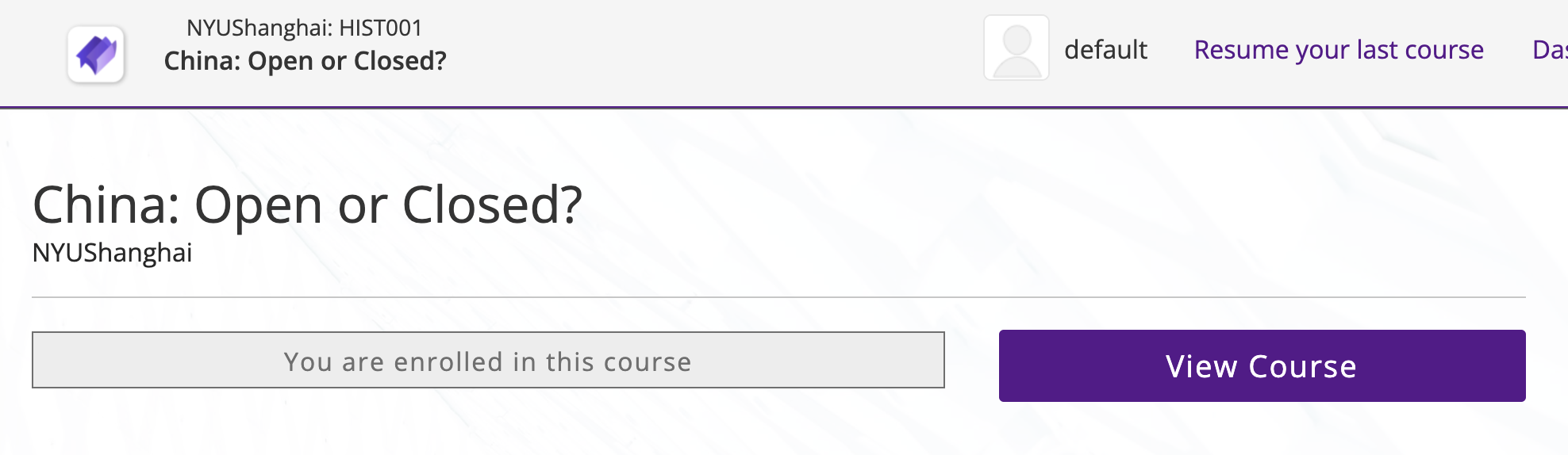
The look in the LMS in English#
The look in the LMS in English
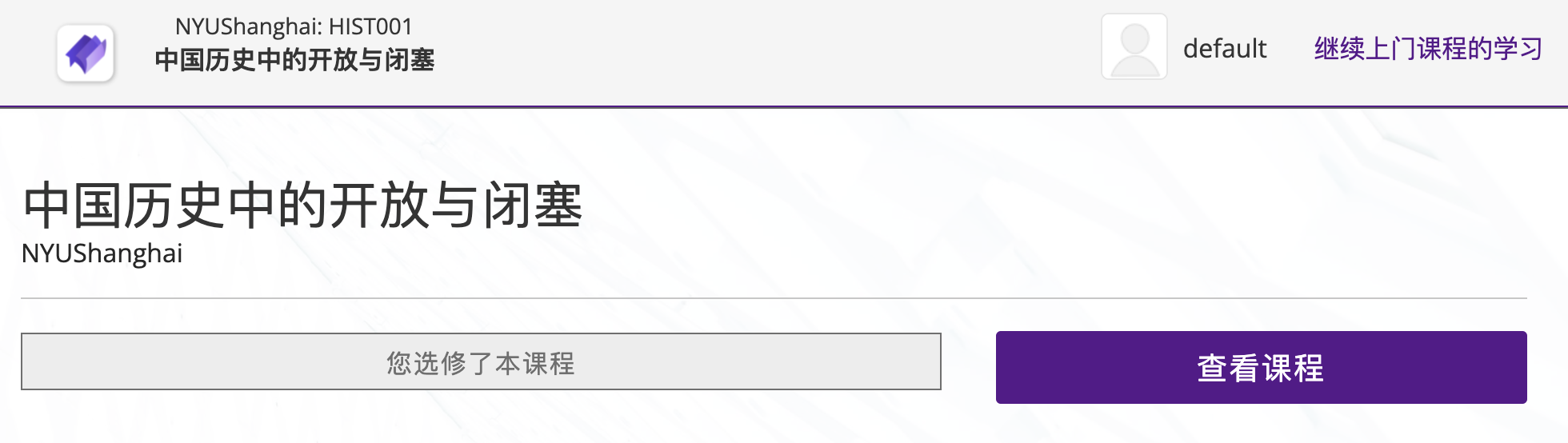
The look in the LMS in Chinese#
The look in the LMS in Chinese
Custom Theme and Landing Page#
The custom NYU SH theme is created by vendor to incorporate the NYU SH colors and design elements in the Open edX platform. The extensive changes involve the student facing LMS and teacher facing CMS sites.
The main changes are noticeable at the following locations:
Landing Page - The landing page is changed to include the full page video banner, the course discovery section with the course subjects (Facet) and search function, call to action section with the register button and the QR and the footer with the NYU SH social media accounts and the ICP registration number.
LMS Dashboard - The user dashboard where the header is changed from a hamburger dropdown menu to navigation links.

Screen Shot 2022-03-23 at 20.17.26.png#
Course Discovery - The course discovery is accessed via the Explore Courses link on the main page and the Discover New button in the user dashboard. The discovery is changed to make use of the new course subjects (Facet) filter system to make searching courses easier for the users.
Login and registration pages - The login and registration page has a changed background image and the registration form has been changed to fit the new format required by the third party login options added.
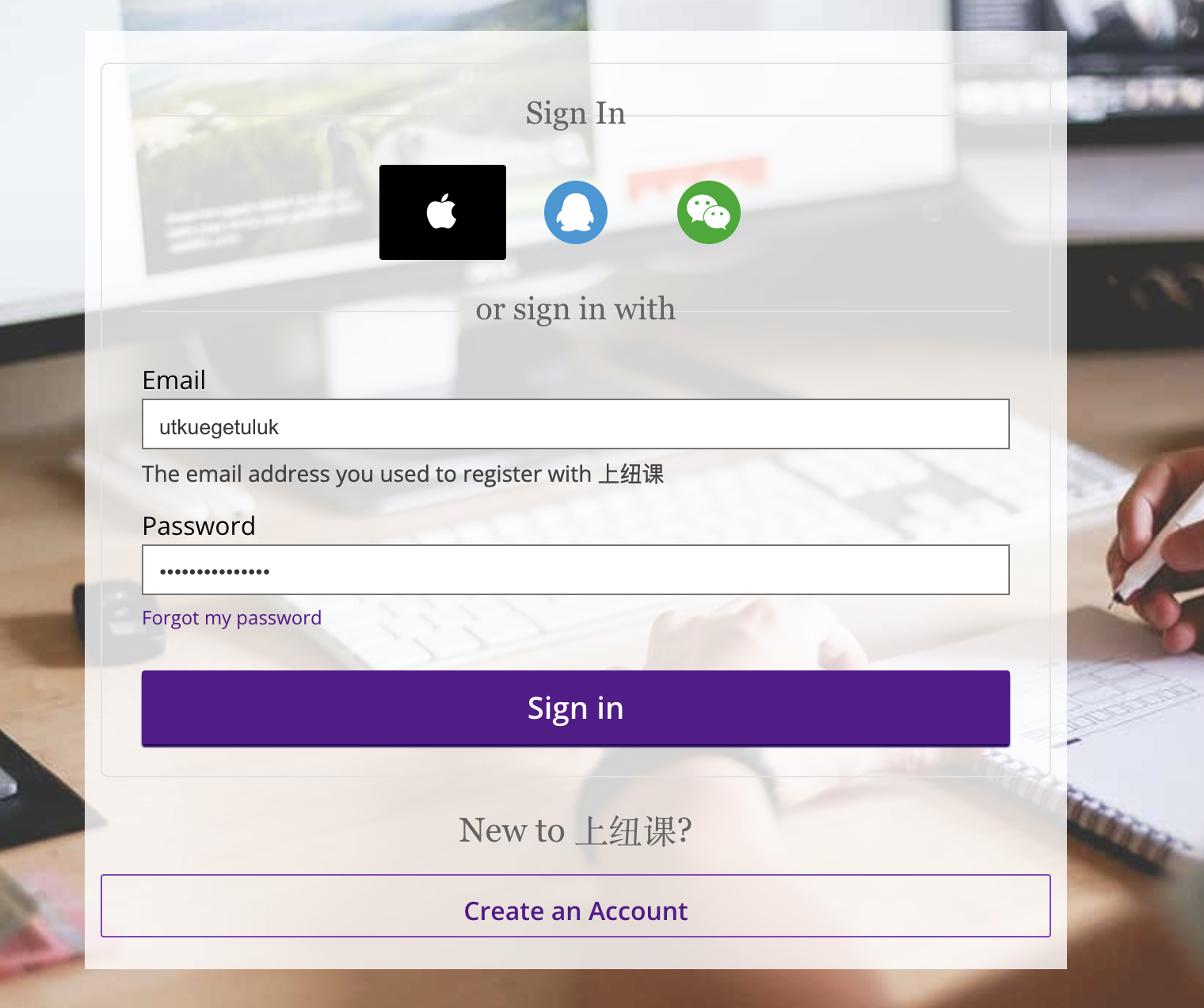
Screen Shot 2022-03-23 at 20.17.22.png#
Studio - The studio includes additional buttons and forms to support the newly added functionality.
Button Colors - The primary color of the website is changed to NYU purple which uses the hex code #57068c.
Logo - The logo images throughout the platform has been changed with Minicourse and NYU SH logos as appropriate.

Screen Shot 2022-03-23 at 20.17.43.png#
Course Details Editor#
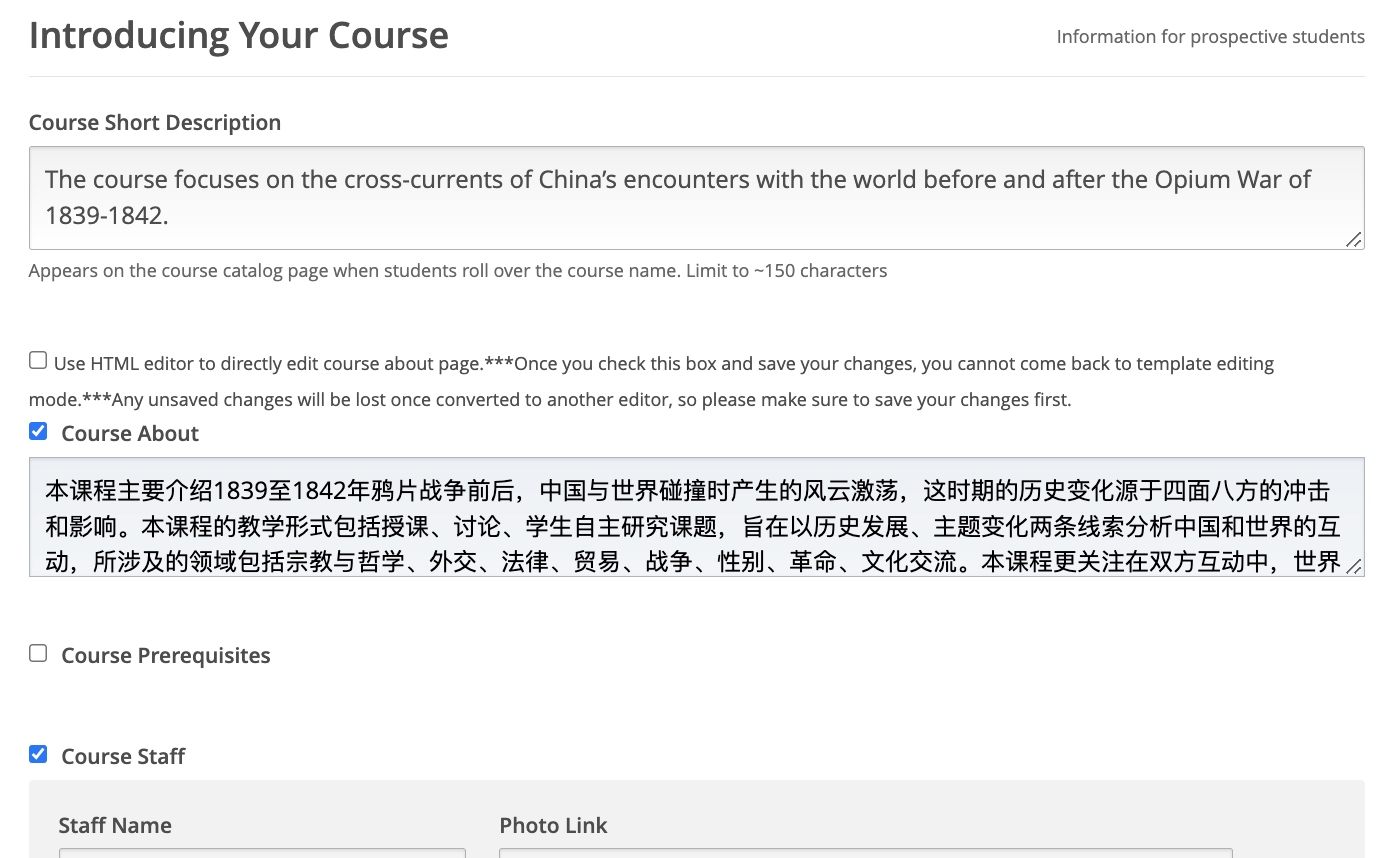
The Schedule and Details section of the course Settings in the Studio allows the staff to change the look of the public facing about page for the course.
The original Course Details Editor in the Open edX platform is a simple HTML editor.
The vendor added the template based editor instead which uses a template to allow for easy editing of the Course Details page.
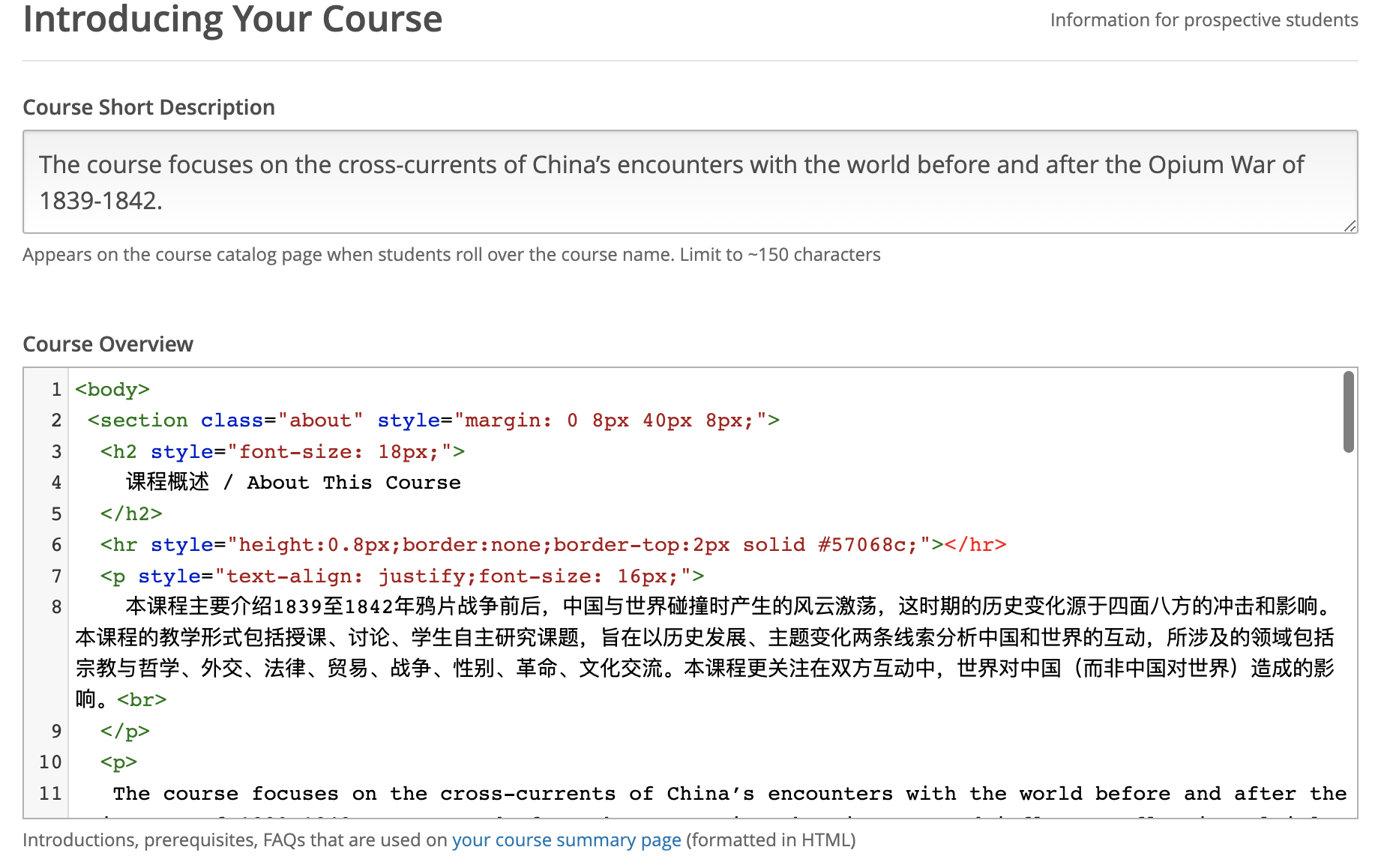
Screen Shot 2022-03-23 at 19.39.36.png#
Screen Shot 2022-03-23 at 19.40.36.png#
Facet#
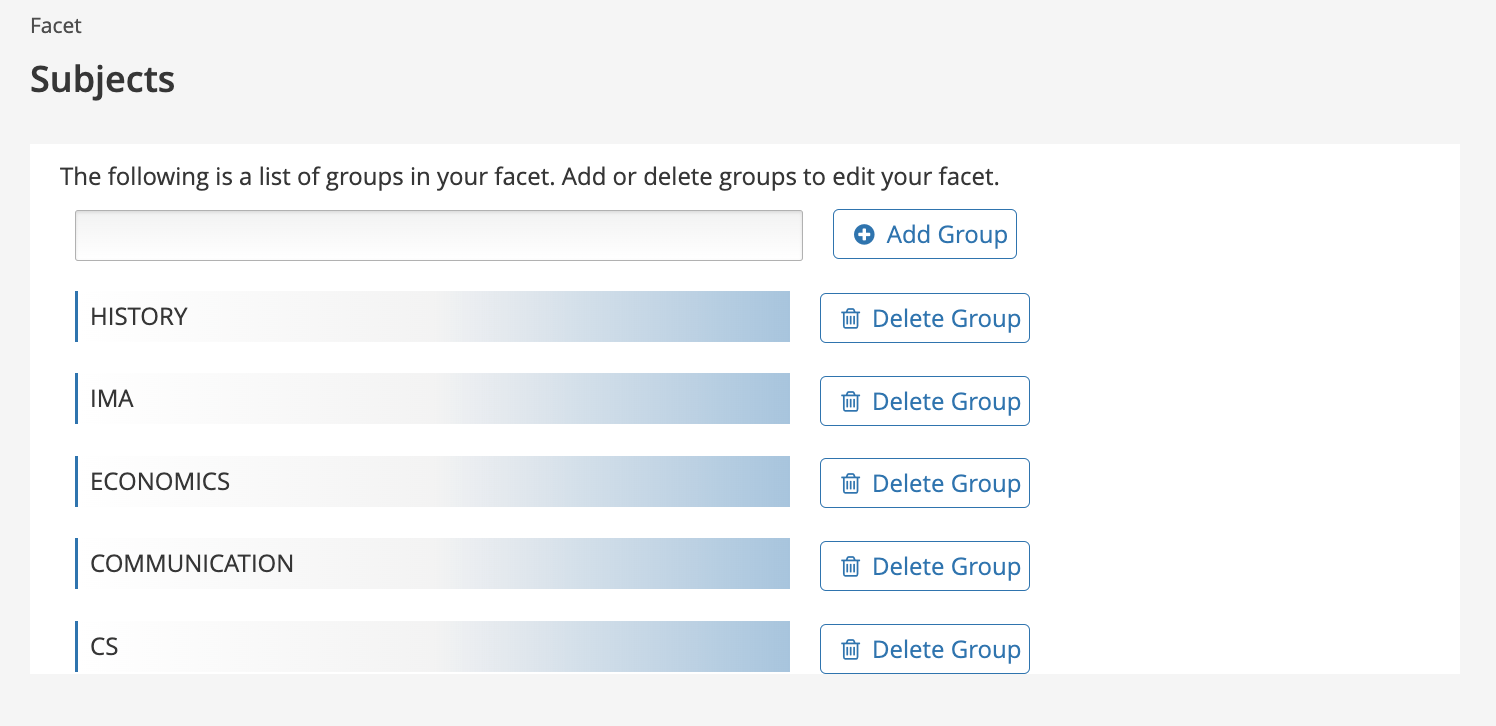
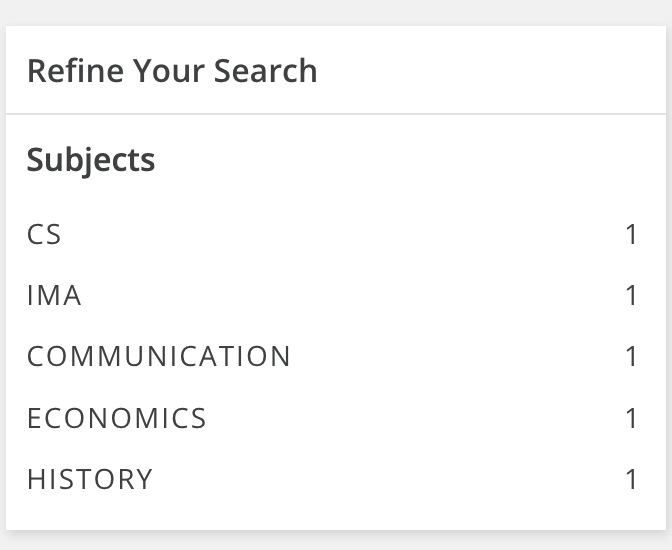
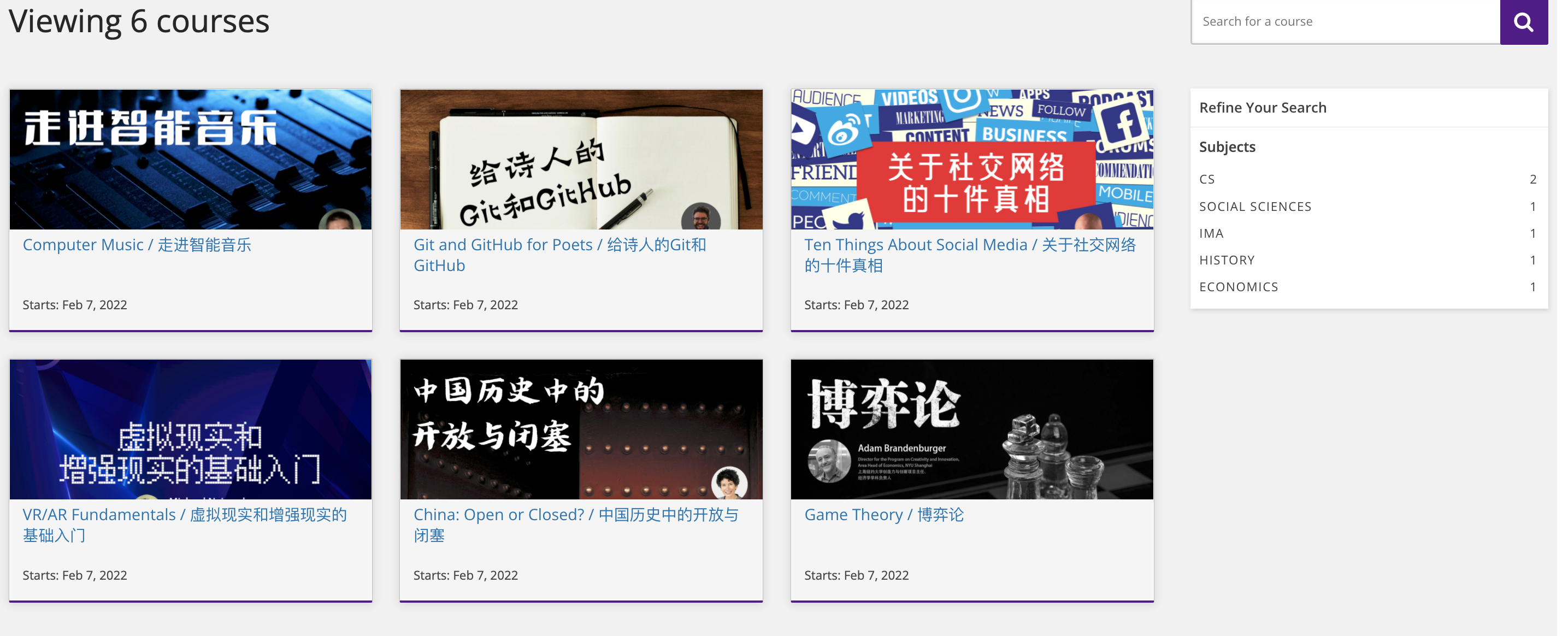
The vendor added Facet functionality allows the courses to be grouped into Course Subjects. The staff can add Facet types in the Studio page and assign them to courses in individual course detail pages. The course types can be used to search the courses in the Landing Page and Course Discovery (minicourse.shanghai.nyu.edu/courses) pages.

Screen Shot 2022-03-23 at 19.44.00.png#
Screen Shot 2022-03-23 at 19.43.15.png#

Screen Shot 2022-03-23 at 19.45.53.png#
Screen Shot 2022-03-23 at 19.43.53.png#
PDF_XBlock#
PDF xBlock enables adding xBlock that natively support PDFs. I believe that this might be a functionality for the mobile apps where we might want to add PDFs, however, there is no guide on how to enable this functionality.
Recommendation#
The recommendation function is enabled for individual courses in the Studio. A recommended course will appear higher on searches and on the landing page. The recommended courses are indicated by thumb up logo in the Studio page. A total of 4 recommendations can be made in total by default.

Screen Shot 2022-03-23 at 19.45.49.png#

Screen Shot 2022-03-23 at 19.45.59.png#
SMS and Third Party Authentication#
The SMS and third party authentication is added by vendor to enable users to login using their phone number or social media accounts. This functionality requires a developer account with the platforms that will be supported in addition to the verification process that is required for each application of the created account.
The Minicourse currently supports Wechat, QQ, Email and SMS login methods in addition to the Log in with Apple that is being developed by the vendor.

Screen Shot 2022-03-23 at 19.57.22.png#
Secondary Functionality#
Course Discovery#
The course discovery refers to global course search page that is accessible at the link minicourse.shanghai.nyu.edu/courses. It supports the Recommendation and Facet functionalities.
Screen Shot 2022-03-23 at 20.03.20.png#
Delete Course#
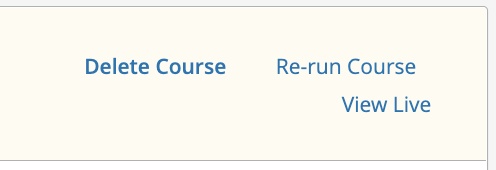
There is no way to delete a course in the original Open edX platform. This method developed by the vendor overcomes this problem by enabling a way to delete a course from the platform by removing all the references to it.
Screen Shot 2022-03-23 at 20.03.56.png#
Docker#
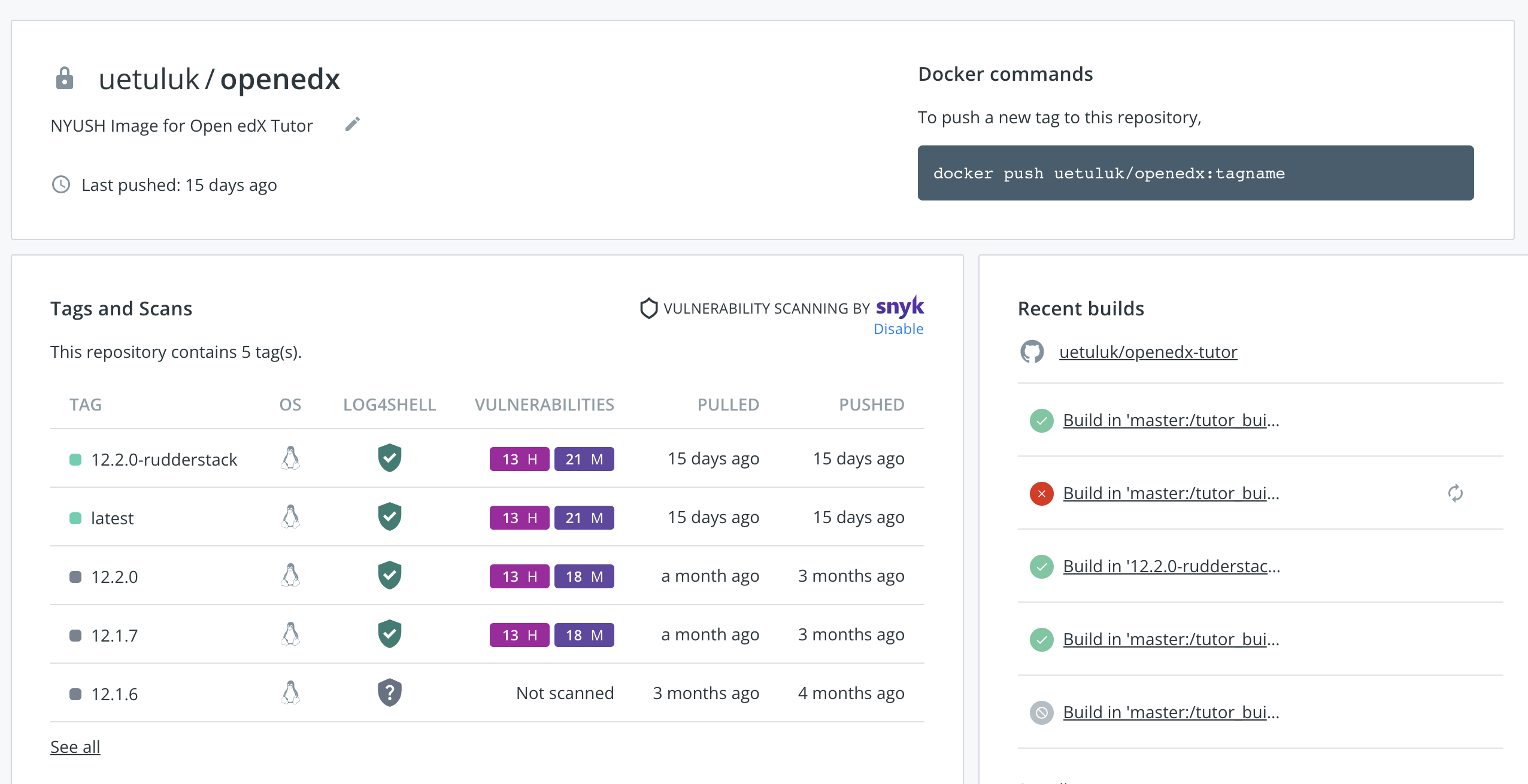
The Docker infrastructure is supported out of the box by Tutor, however, there are additional changes by uetuluk to enable our infrastructure to support automatic custom image building to use our own image in the Open edX platform.
Screen Shot 2022-03-23 at 20.04.43.png#
Language Switch#
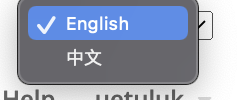
The original Open edX platform change language switch is a dropdown list. The Learning site language switch is changed with a button that changes between the supported languages English and Chinese. The Studio can support more languages and as such as the dropdown list is still used in the Studio.

Screen Shot 2022-03-23 at 20.06.58.png#
Screen Shot 2022-03-23 at 20.07.05.png#
Code Changes Table#
The following table can be referenced for more details about the changes made.
Original File: https://docs.google.com/spreadsheets/d/1dwxI9tGyBq7YslMjAxjFfTWBy3ctmsDHz14xtSrZGgk/edit#gid=912580961